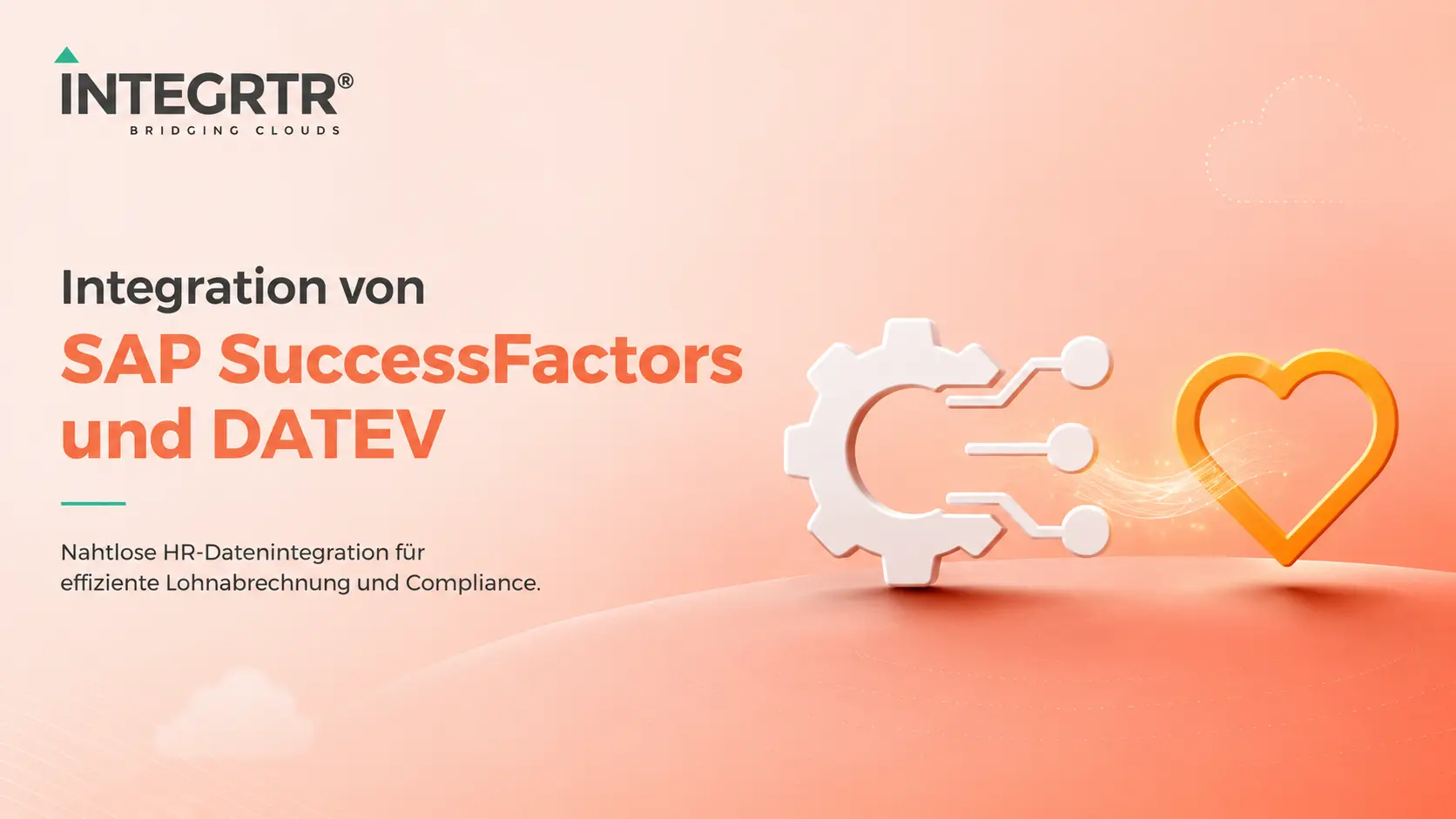
HR teams running SAP SuccessFactors still reconcile employee data with DATEV, the most widely used payroll and accounting system in Germany, by hand. That costs time and carries a real risk of error on sensitive payroll data. A dedicated SAP SuccessFactors DATEV Schnittstelle, or interface, automates that reconciliation end to end.
What a SAP SuccessFactors DATEV integration connects
A SAP SuccessFactors DATEV integration connects employee data in SAP SuccessFactors directly to DATEV, the most widely used accounting and payroll software in Germany. Instead of exporting HR data by hand and re-entering it in DATEV, salary changes, new joiners, and organisational changes flow automatically from SuccessFactors into accounting.
Why manual reconciliation is the real problem
Without a dedicated interface, every change made in SuccessFactors means extra manual work in accounting, duplicate data entry, and a real risk of error on wage and salary data. For companies with frequent personnel changes, that effort adds up quickly into a noticeable but entirely avoidable loss of time.
Case study: metafinanz
A concrete example of this integration is our project with metafinanz. We connected SAP SuccessFactors seamlessly to DATEV so that employee and payroll data flows automatically, with no manual reconciliation. The full case study covers the scope and the outcome of that integration.
How INTEGRTR delivers this integration
INTEGRTR builds the SuccessFactors to DATEV interface on SAP Integration Suite, so the connection stays secure, traceable, and maintainable rather than resting on fragile point-to-point links. That approach is part of our broader SAP integration consulting.
Frequently Asked Questions
What is a SAP SuccessFactors DATEV integration?
A SAP SuccessFactors DATEV integration connects employee data in SAP SuccessFactors to DATEV automatically, so salary changes, new joiners, and organisational changes reach accounting without a manual export or a second round of data entry.
How long does it take to implement a SAP SuccessFactors DATEV integration?
It depends on the scope of the employee data and on the existing system landscape. In the metafinanz project the integration went live within six weeks, with the field mapping itself taking roughly 15 person-days.
Which data is transferred between SAP SuccessFactors and DATEV?
Typically employee master data, salary and compensation changes, and organisational changes such as joiners, leavers, and transfers, in each case depending on the mapping agreed between the two systems.
Is a SAP SuccessFactors DATEV integration safe for sensitive payroll data?
Yes. INTEGRTR builds the connection on SAP Integration Suite, so data flows stay encrypted, traceable, and auditable instead of running over fragile, unsecured point-to-point connections.
Can INTEGRTR optimise or migrate an existing SuccessFactors to DATEV connection?
Yes. Alongside new implementations, INTEGRTR also supports companies that want to move an existing, often manually maintained connection between SuccessFactors and DATEV onto an automated, maintainable interface.
Planning your own SAP to DATEV integration?
Are you planning a SuccessFactors to DATEV interface for your own organisation? Read the metafinanz case study or contact our team for a no-obligation conversation.